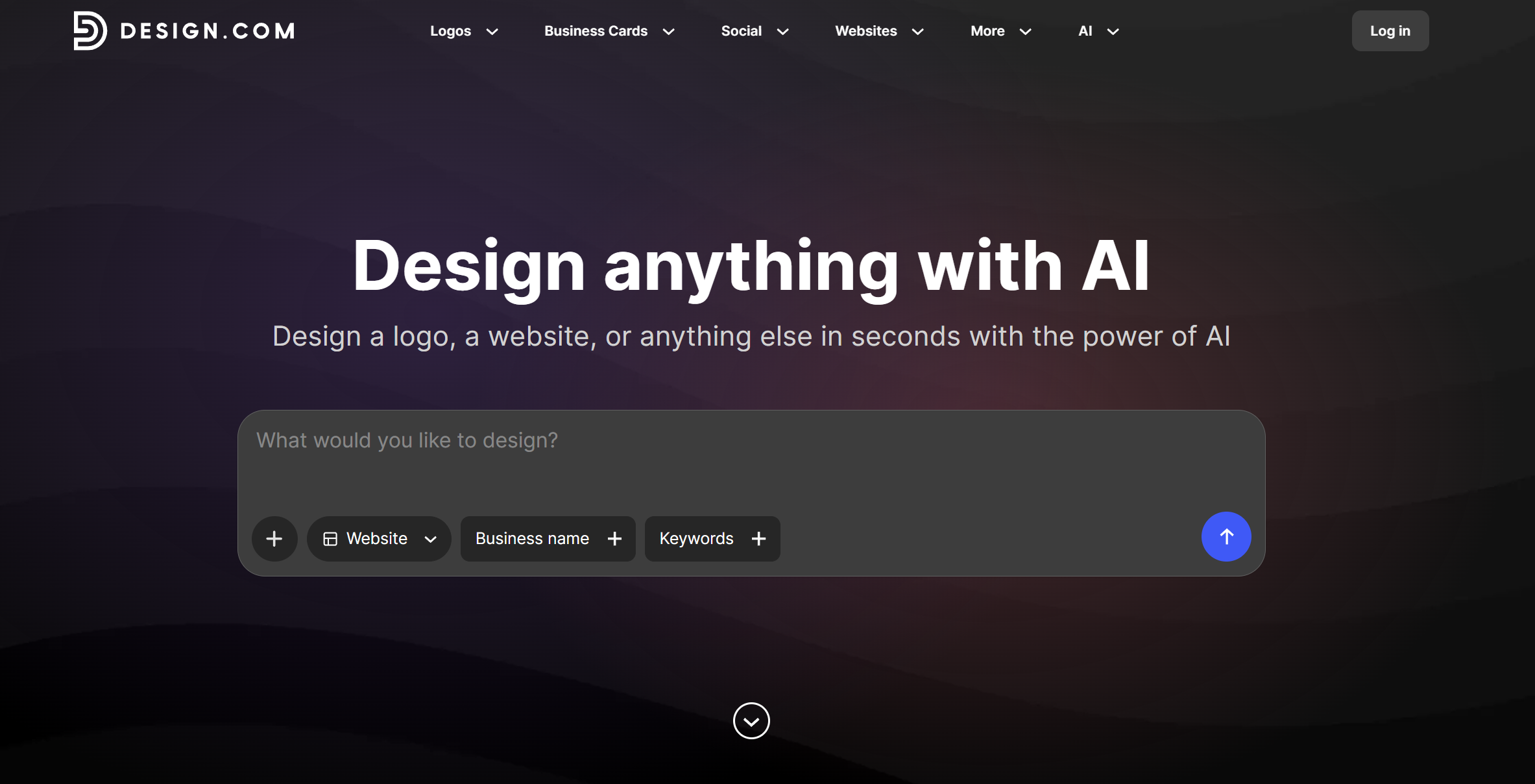
The fastest way for small businesses to go from idea to a live, professional website without touching a single line of code.
Quick Verdict
Design.com's AI website builder earns a 9.5 out of 10 for its unmatched speed, strong template library, and built-in branding tools. It is the top choice for entrepreneurs and small business owners who need a polished website to go live fast. Paid plans start at just $6 per month.
Scorecard
|
Category
|
Score
|
|
Ease of Use
|
10 / 10
|
|
Template Quality
|
9.5 / 10
|
|
AI Generation
|
9.5 / 10
|
|
Pricing
|
9 / 10
|
|
Support
|
9 / 10
|
|
Overall
|
9.5 / 10
|
Who It's For
Design.com is built for entrepreneurs, freelancers, and small business owners who want a professional website up and running fast, without hiring a designer or learning to code.
What Is Design.com's AI Website Builder?
Design.com is a leading branding platform offering an AI-powered website builder that generates complete, ready-to-publish websites in seconds from a business name or short prompt. It pairs over 3,000 professionally designed templates with automated AI generation, brand synchronization, and one-click publishing, all inside a single beginner-friendly platform.
It packs a lot into one platform, and each feature is built around the idea of getting a live, professional website with as few friction points as possible.
Here is a closer look at how each piece holds up:
AI generation and speed
Type your business name and a short description, and Design.com generates multiple fully designed website concepts in seconds. Not rough drafts or wireframes. Complete layouts with copy, color palettes, typography, and graphics ready to go.
The real advantage is the volume of variations. You get pages of distinct directions to browse, from minimal and professional to bold and creative, so you spend your time picking rather than guessing.
The AI draws from thousands of professional designs and automatically applies industry context, so a yoga studio and an accounting firm each get results that make sense for their space.
Template library and design variations
Design.com's library of 3,000-plus templates covers virtually every industry and business type. More importantly, the AI does not hand you a static list to scroll through. It assembles layouts specifically around your business type and prompt, so the results feel built for you rather than pulled from a generic catalog.
To make this tangible, here are some sample homepages the AI could generate for a coffee shop named The Roast Standard:
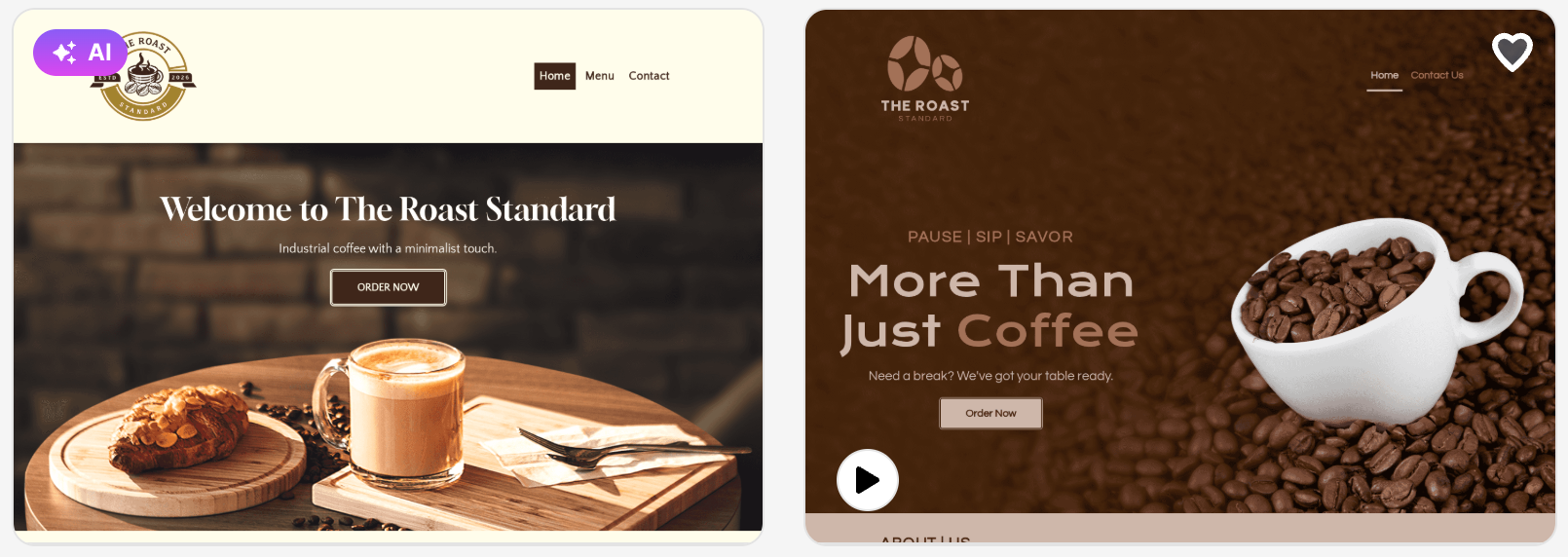

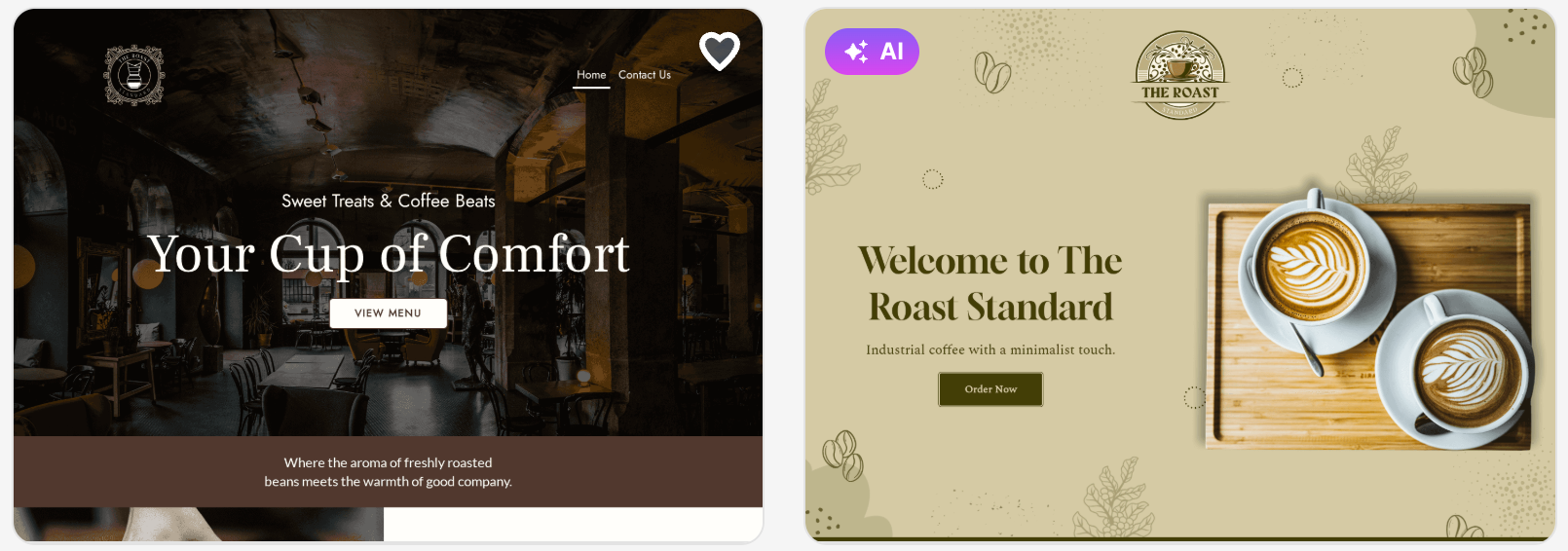
All these come from the same prompt. You pick the direction that fits your brand, then edit from there.
Customization and editing
Design.com’s editor is visual and straightforward. Take a look at it below:
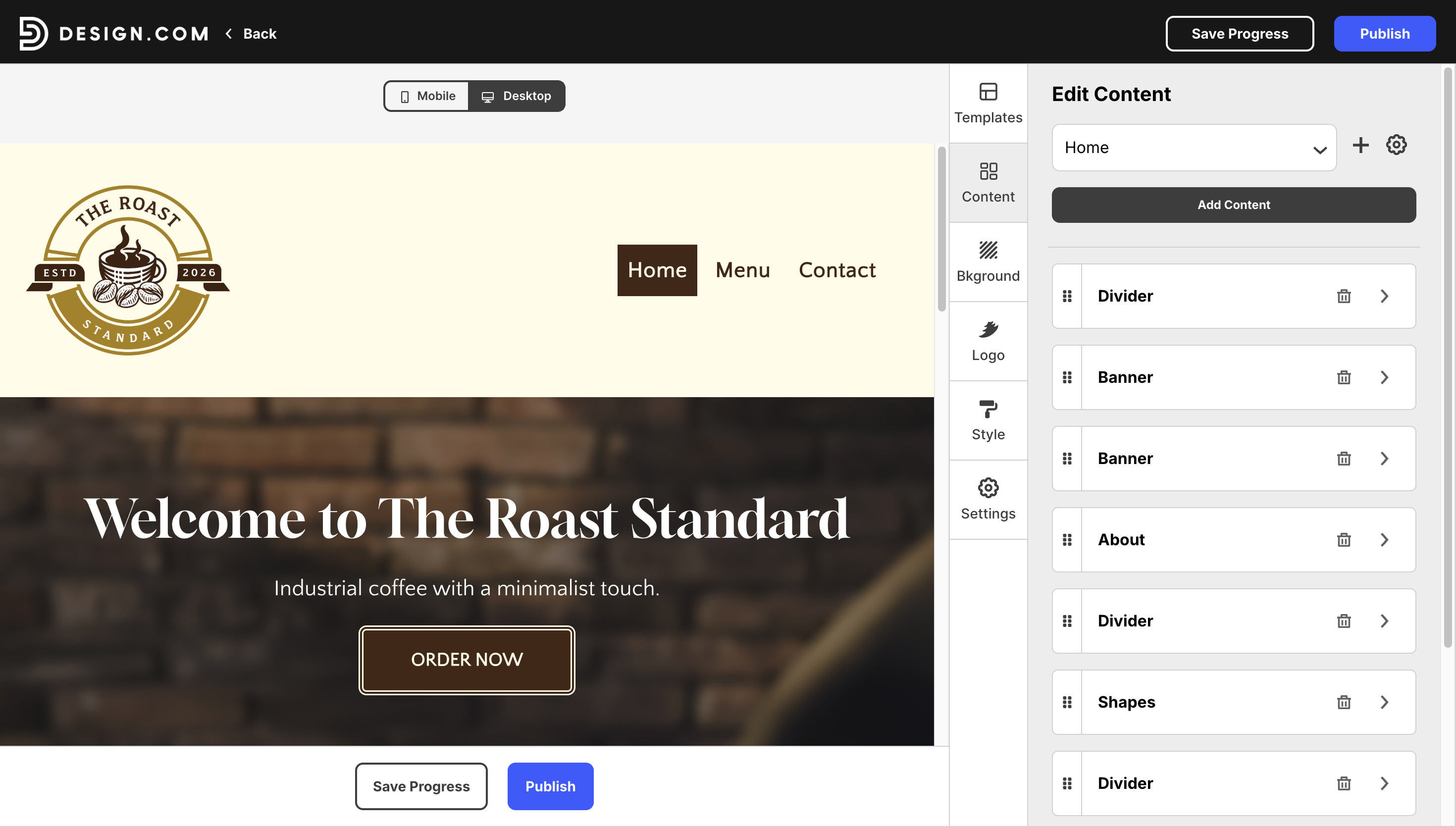
Users can easily swap fonts, adjust colors, rearrange sections, add gradients, drop in shapes, and update content through a real-time interface that requires no coding. Controls are clearly labeled, and every action is reversible.
Moreover, the learning curve is flat by design, which means anyone can move from a generated draft to a finished, publish-ready site in a single session.
Brand synchronization
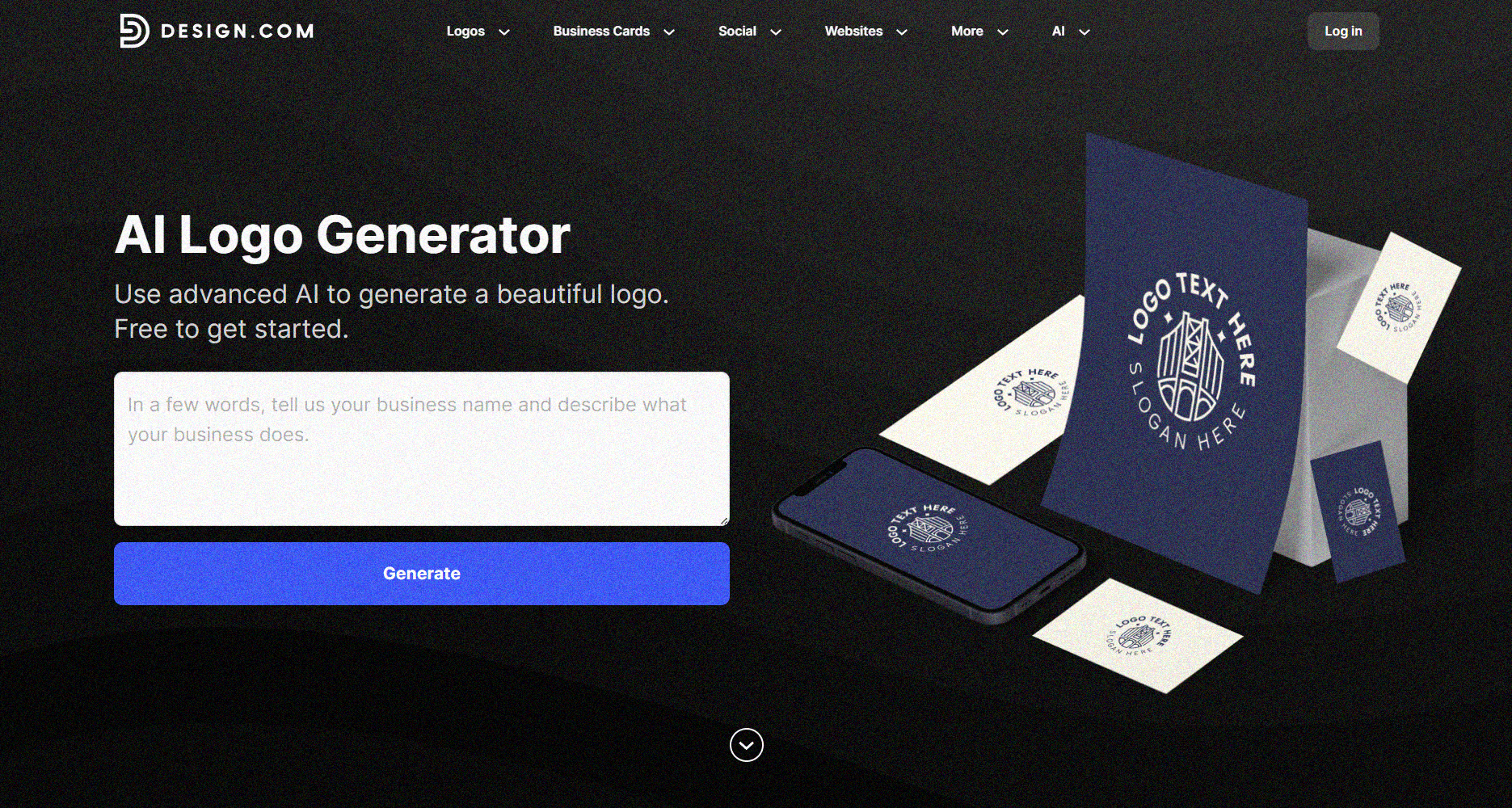
One of Design.com's biggest strengths is that you can build your entire brand identity without ever leaving the platform. That means creating a logo from scratch using Design.com's AI logo maker, then carrying that same look across your website and a full range of marketing materials.
Those include social media graphics for platforms like Instagram, Facebook, and LinkedIn, business cards, flyers, and other promotional assets. Everything is generated to match your brand's colors, fonts, and visual style, so nothing ever looks like it came from a different tool.
For any business that wants to look cohesive across every customer touchpoint, from their website down to a business card, this all-in-one approach saves a significant amount of time compared to piecing together separate tools for each asset.
Mobile responsiveness
Every site generated through Design.com is automatically optimized for mobile, tablet, and desktop. No separate mobile build, no manual layout adjustments. Given that the majority of web traffic now comes from mobile, this is a non-negotiable feature, and Design.com handles it entirely in the background.
Publishing and hosting
Publishing is one click, and hosting is included. No FTP, no DNS configuration, no separate hosting provider to set up. Paid subscribers can also connect a custom domain, which is important for any business that wants to look established and professional from day one.
Pricing Breakdown
Before anything else, it is worth saying clearly: you do not need a credit card to get started. Design.com offers free website templates that let users generate designs, browse variations, and build a three-page site.
When you are ready to go further, here’s how much the paid plan costs:
|
Plan
|
Price
|
What's Included
|
|
Monthly
|
$9 / month
|
1 professional website, 100+ templates, unlimited pages, custom domain, full editor, image gallery, email capture, payments, 24/7 support
|
|
Annual
|
$6 / month (billed yearly)
|
Everything in the Monthly plan at a discounted rate
|
At $6 per month on the annual plan, Design.com is one of the most competitively priced AI website builders in 2026. Most comparable tools charge two to three times as much for the same level of output.
How Does Design.com Stack Up Against the Competition?
Both Design.com and Wix target beginners and small businesses, and both have invested heavily in AI-powered website creation. But they take meaningfully different approaches, and the differences matter depending on what you need.
Here’s a quick look at their differences:
|
Design.com
|
Wix
|
|
Starting Price
|
$6 / month
|
$16 / month
|
|
AI Generation
|
Multiple full concepts from one prompt
|
Single site generated through a Q&A flow
|
|
Template Library
|
3,000+ AI-assembled layouts
|
Larger library, manual browsing required
|
|
Branding Ecosystem
|
Built-in and unified
|
Third-party add-ons and integrations
|
|
Best For
|
Fast launch, brand-first workflow
|
Users who need a larger app marketplace
|
Bottom line: Design.com generates more options faster and costs significantly less. Wix has a broader third-party app ecosystem, which matters if you need specific integrations down the line. For most small businesses launching in 2026, Design.com is the more practical and cost-effective starting point.
Final Verdict: Is Design.com Worth It?
Yes, without much hesitation.
Design.com takes someone with no design background and gets them to a live, professional website in minutes. The AI generation is fast, the output quality is high, and the branding tools remove a layer of work that most website builders still leave entirely to the user.
At $6 per month on the annual plan, it is priced fairly for what it delivers. The free plan is a genuine starting point, not a teaser. For entrepreneurs, freelancers, and small business owners who need a credible website up and running immediately, Design.com is the strongest choice.
Read more about web design:
Hannah Suroy suroy brings clarity to complex topics across entertainment, business, and creative industries. She specializes in translating industry trends and innovations into engaging content that helps readers understand the creative process behind the work they love.
Written by DesignCrowd on Wednesday, May 20, 2026
DesignCrowd is an online marketplace providing logo, website, print and graphic design services by providing access to freelance graphic designers and design studios around the world.
