Not every logo app that ranks well is worth your time or your money. Some hide usable file formats behind paywalls that only appear after you have already spent an hour customizing a design. Others look free until the moment you try to download something print-ready.
The best logo design apps in 2026 are upfront about what you get, output professional vector formats at a fair price, and work for people without a design background.
Six of them are reviewed here, each built for a different type of user, with a breakdown of what each tool does well and where it falls short.
How did we pick these tools?
Each tool was evaluated against the same criteria before making this list:
- Standalone functionality. The tool had to work as an independent logo design app, not as a secondary feature inside a website builder or e-commerce platform.
- Vector output accessibility. Tools that locked SVG, EPS, or PDF exports behind unreasonably high paywalls were deprioritized.
- No deep design experience required. Every tool here is usable even for someone without a graphic design background and produces professional-quality results.
- Verified pricing. All pricing was confirmed directly from each platform.
- Distinct use case. Each tool on this list serves a meaningfully different type of user. If two tools did essentially the same thing, only the stronger one made the cut.
- Real user track record. Tools with no verifiable user base or credible reviews were excluded, regardless of how good the marketing looked.
Quick Comparison Table
|
Tool
|
Starting Price
|
Type
|
Key Strength
|
Trustpilot Rating
|
Best For
|
|
Design.com
|
Free / $3/mo (annual)
|
AI generator + suite
|
Full brand kit from one platform
|
4.7/5
|
Anyone who needs more than just a logo
|
|
BrandCrowd
|
Free / $3/mo (annual)
|
AI + template library
|
380,000+ designer-made templates
|
4.8/5
|
Speed, variety, and ongoing branding needs
|
|
Canva
|
Free / $18/mo (Pro)
|
General design tool
|
Breadth of design capabilities
|
2.9/5
|
Existing Canva users and beginners
|
|
Adobe Express
|
Free / ~$10/mo (Premium)
|
Template-based editor
|
Adobe ecosystem and quality assets
|
N/A
|
Design-savvy users already in Adobe
|
|
Vistaprint
|
Free / ~$20 one-time
|
AI-powered maker
|
Print-ready output and fulfillment
|
4.5/5
|
Businesses ordering physical branded materials
|
Design.com — Best AI Logo App for a Complete Brand Kit
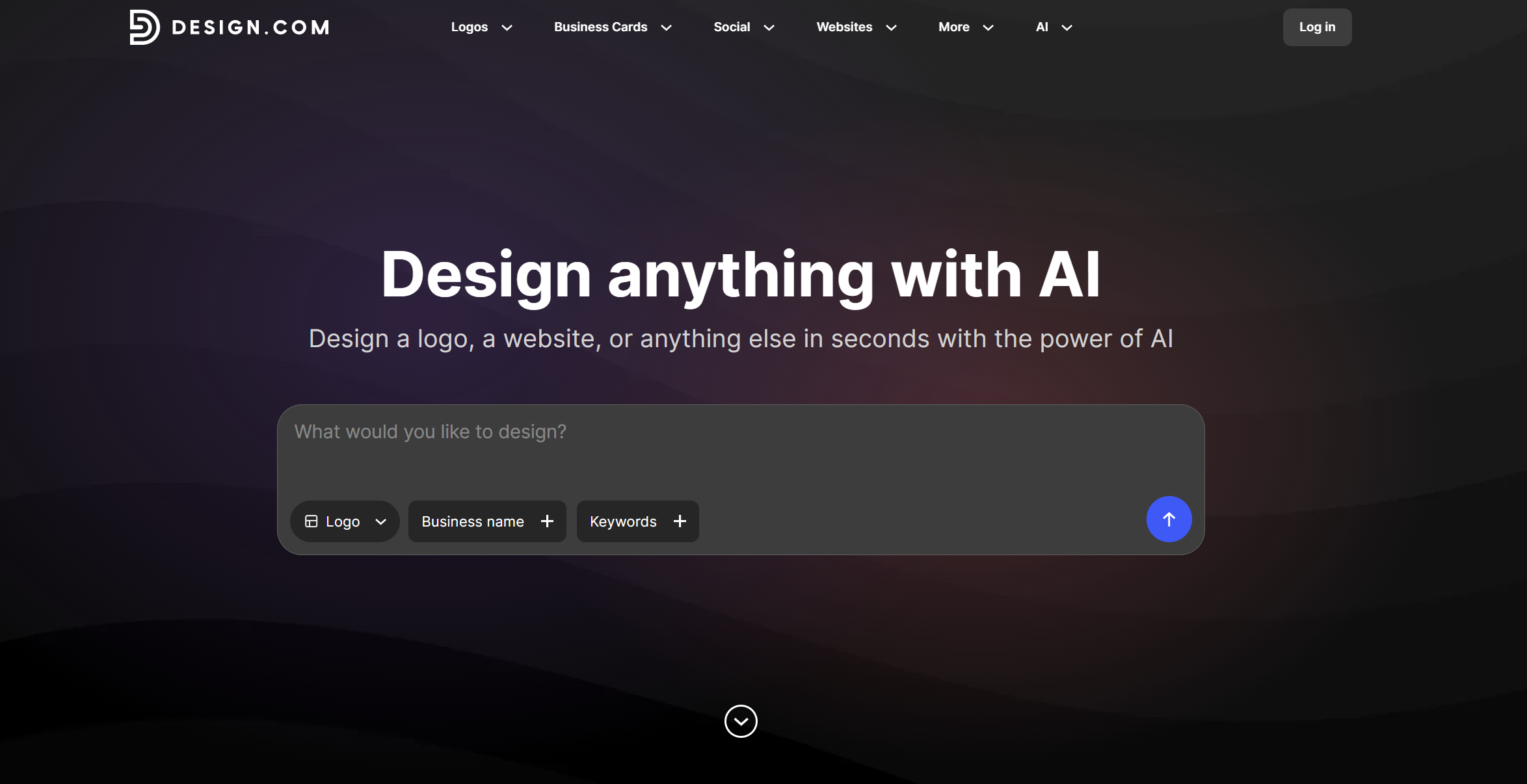
Choose Design.com if you want an AI logo generator that goes beyond the logo itself and delivers a full set of professional brand assets from day one.
Design.com’s AI logo generator creates thousands of concepts instantly based on your business name, industry, and keywords. The built-in editor lets you adjust fonts, colors, icons, layouts, and spacing without any design experience needed. You can generate multiple variations, save them, and return to edit them at any time.
What sets Design.com apart from most logo generators is its brand auto-sync feature. Once your logo is ready, the platform automatically applies your brand colors and typography across business cards, social posts, email signatures, and letterheads. The advanced AI editing tools let you refine your logo icon and text through a simple chat interface, with custom-trained AI that keeps every edit copyright-safe.
The template library has over 400,000 designs, and all paid plans include unlimited logo changes, high-resolution PNG and JPG files, and vector formats, including SVG, EPS, and PDF with transparent background exports.
Pricing
- Free: Generate thousands of AI logo concepts, customize fonts, colors, and icons, and download free logo templates at no cost. No credit card required.
- Starter: $3/month (annual) or $9/month (monthly) — logo files forever, unlimited edits, high-res and vector downloads, business cards, social post templates, email signatures, letterheads, 50+ design tools, and access to 618,000+ templates
- Value: $4/month (annual) or $14/month (monthly) — everything in Starter, plus a full website
- Premium: $5/month (annual) or $19/month (monthly) — everything in Value, plus a link-in-bio page and digital business cards
What a Design.com logo looks like
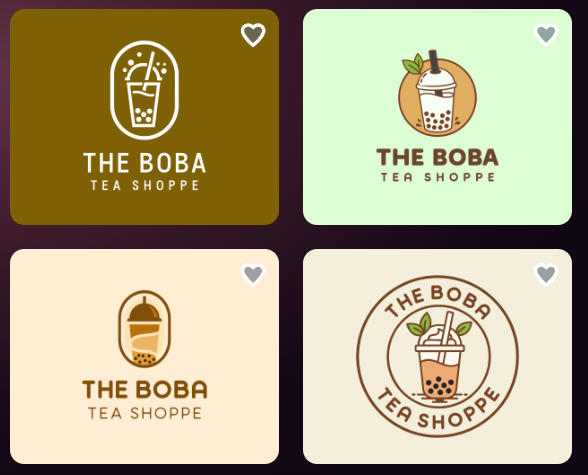
Design.com’s AI logo generator produces industry-relevant concepts across a wide range of visual styles.
Here are some sample logos that you can get for a milk tea shop in the platform:
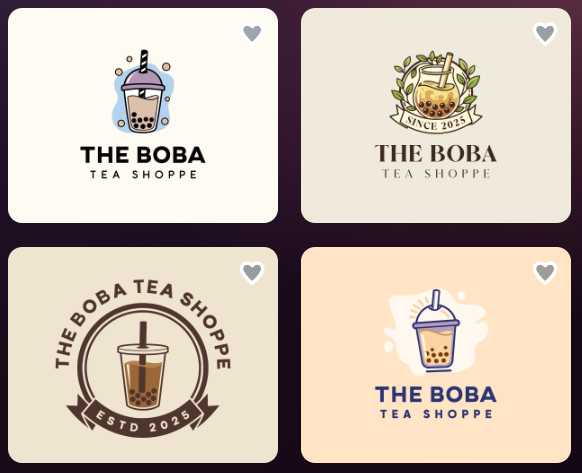
Try a few variations of your business description and keywords to see how color and typography suggestions shift based on your style selections.
The verdict:
At $3 per month on an annual plan, Design.com delivers a professional logo, a full brand kit, and access to 618,000+ templates under one subscription. The combination of AI-powered logo generation, automatic brand syncing, and chat-based AI editing is difficult to find at this price point.
For any business that needs a logo working consistently across digital and print assets without managing multiple tools, Design.com is the most complete option on this list.
BrandCrowd — Best for Speed and Template Variety
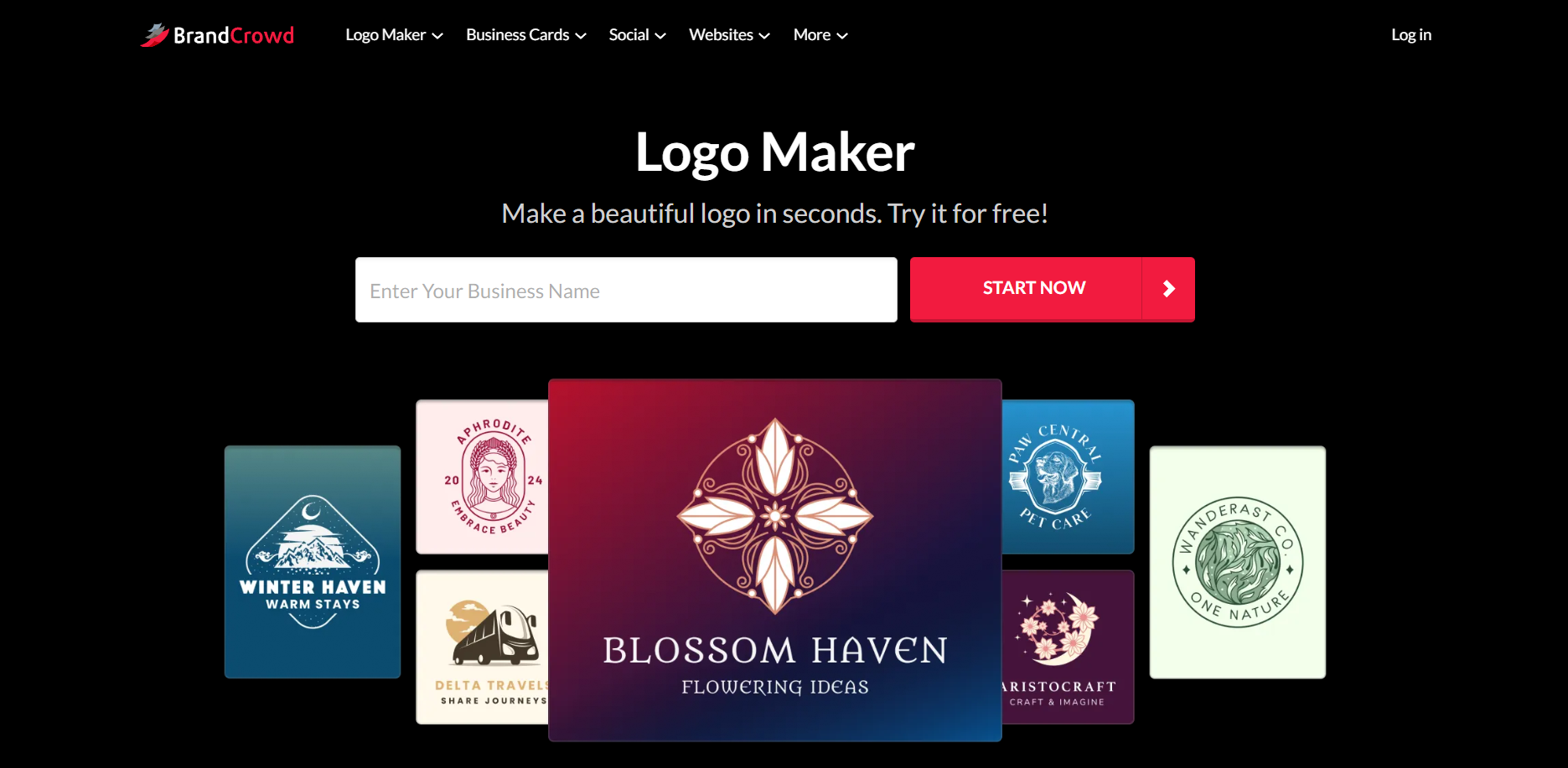
Choose BrandCrowd if you need a polished logo fast and want to browse thousands of professionally designed options before committing.
Rather than generating abstract AI concepts from scratch, BrandCrowd pairs AI suggestions with a library of over 380,000 logo templates handcrafted by professional designers. Every logo you browse has already been structured and refined by a human before you start customizing it. That foundation produces a noticeably high baseline quality, even on designs you find in the first few minutes.
BrandCrowd’s logo maker takes your business name and keywords, then surfaces the most relevant designer-made templates for your industry and style preferences. You can explore multiple variations, save the ones you like, and refine them by adjusting fonts, colors, layouts, and icons. The mockup preview feature lets you see your AI logos on signage, apparel, and marketing materials before downloading, so you know exactly how they look in context.
Once your logo is ready, BrandCrowd connects to a broader suite of tools for generating matching business cards, social media graphics, and email signatures. High-resolution files and vector formats, including SVG, EPS, and PDF, are included with paid plans, and every logo comes with full commercial rights.
Pricing
- Free: Browse 380,000+ designer-made templates, customize your pick in the editor, and download free logos instantly. No subscription needed to get started.
- Starter: $3/month (annual) or $9/month (monthly) — logo files forever, unlimited edits, high-res and vector downloads, business cards, social post templates, email signatures, letterheads, 50+ design tools, and access to the full template library
- Value: $4/month (annual) or $14/month (monthly) — everything in Starter, plus a website builder
- Premium: $5/month (annual) or $19/month (monthly) — everything in Value, plus a link-in-bio page and digital business cards
What a BrandCrowd logo looks like
BrandCrowd’s designer-made template library produces consistent quality from the first result. Here are some logo combinations that the platform can make for a seafood restaurant:
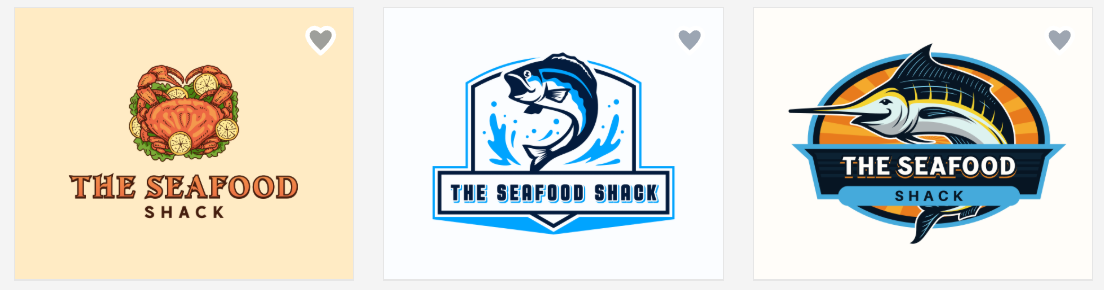
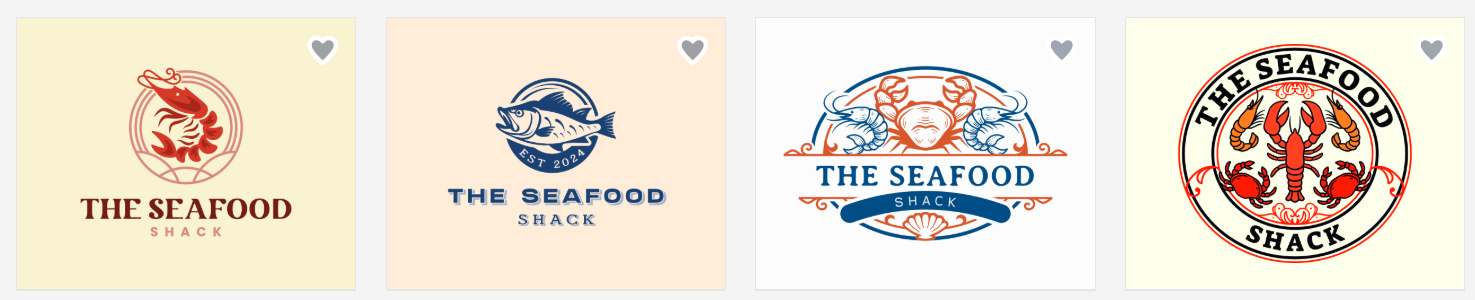
You can easily edit any of these through BrandCrowd’s chat editor and use it for your brand.
The verdict
With 380,000+ designer-made logos spanning every industry, finding a logo that fits your brand on BrandCrowd is fast. The AI-powered logo generator surfaces relevant options quickly, the editor is beginner-friendly, and the mockup preview adds confidence before you commit.
At $3 per month on an annual plan, you get a professional logo, vector files, unlimited edits, and a full suite of matching brand tools.
Canva — Best Free Starting Point for Simple Logos
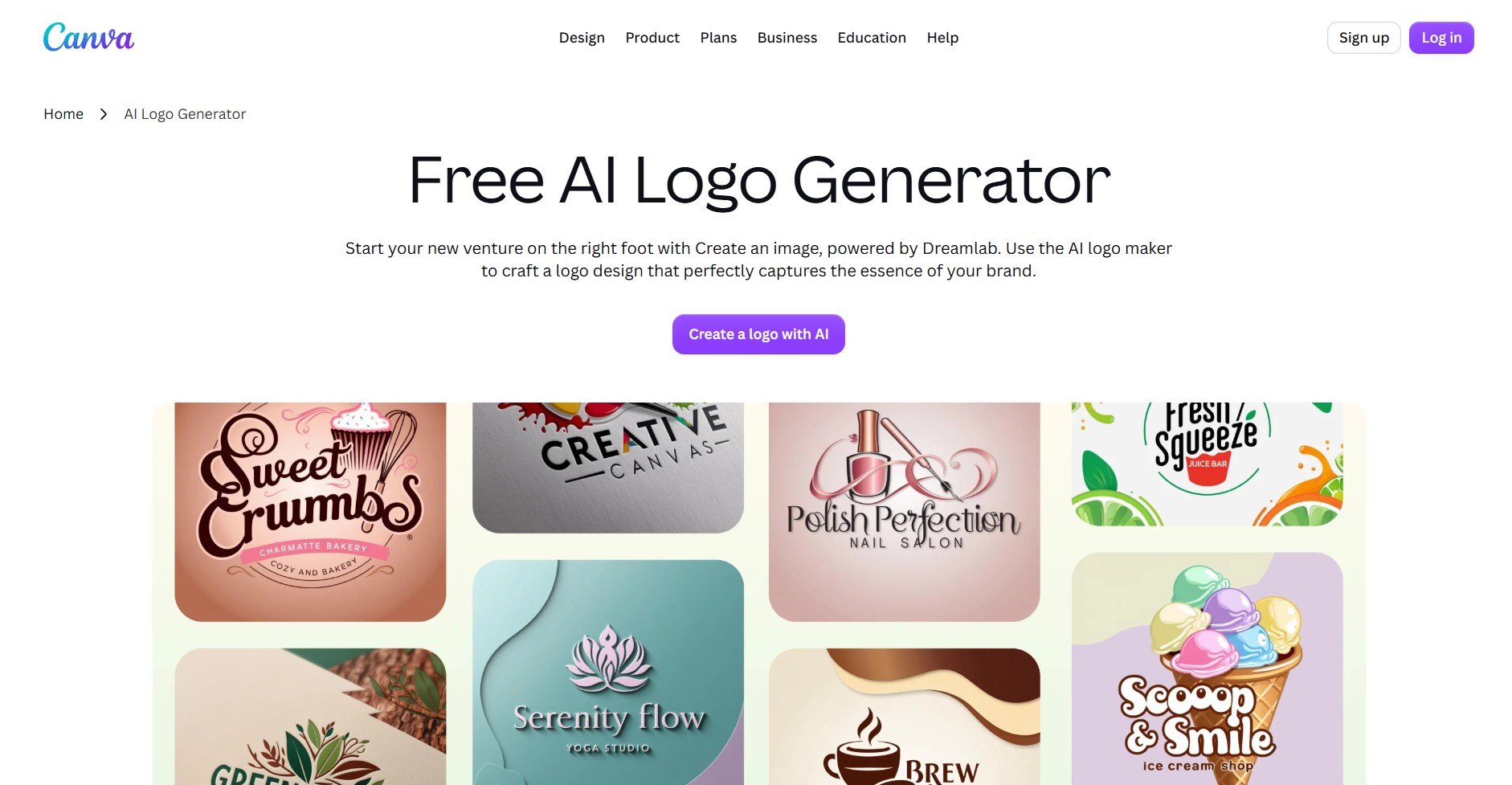
Choose Canva if you already use the platform for other design work, have no budget, or need a basic logo quickly without a subscription.
Canva is a general-purpose design platform, not a dedicated logo maker. The free plan lets you customize templates, adjust fonts and colors, and download PNG or JPG files. SVG exports require Canva Pro, which costs $18 per month.
Canva Pro adds SVG exports, five brand kits, premium templates, background removal, and the Magic Studio AI suite. For teams already working inside Canva for social media or presentations, the logo tools fit naturally into that workflow.
Pricing
- Free: PNG and JPG downloads, basic templates, one brand kit with limited colors
- Canva Pro: $18/month — SVG exports, 5 brand kits, premium templates, AI tools, and background remover
What to expect from Canva's logo templates
Canva's logo library is broad. You will find clean wordmark styles, simple badge layouts, and minimalist icon-plus-text combinations that work for service businesses, personal brands, and early-stage startups.
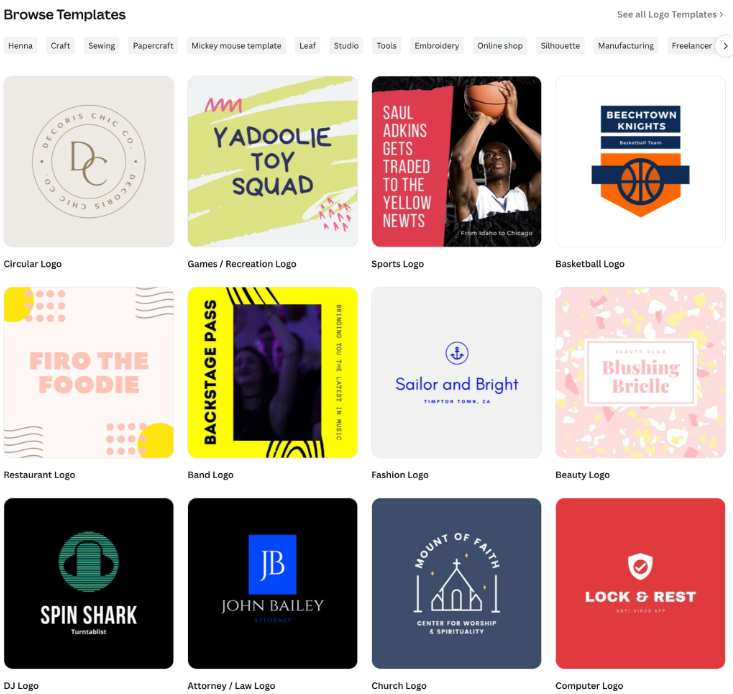
Filtering by industry, like photography, fitness, or food, narrows results quickly. If standing out from other Canva users in your space matters, the premium template library adds more variety without a dramatic shift in design direction.
The verdict
Canva is free, widely used, and accessible to complete beginners. For anyone at the very start of a business who needs something presentable before investing in a dedicated tool, it is a reasonable first step.
Limitations
Canva does not offer structured logo file packages, auto-generated brand guidelines, or AI-powered icon generation. Its Trustpilot rating is 2.9 out of 5, lower than that of purpose-built logo tools, and some users report unexpected charges after free trials. Professional formats like AI or EPS are not supported, which limits your options if you ever need to hand files off to a designer.
Adobe Express — Best for Users Who Already Know Design
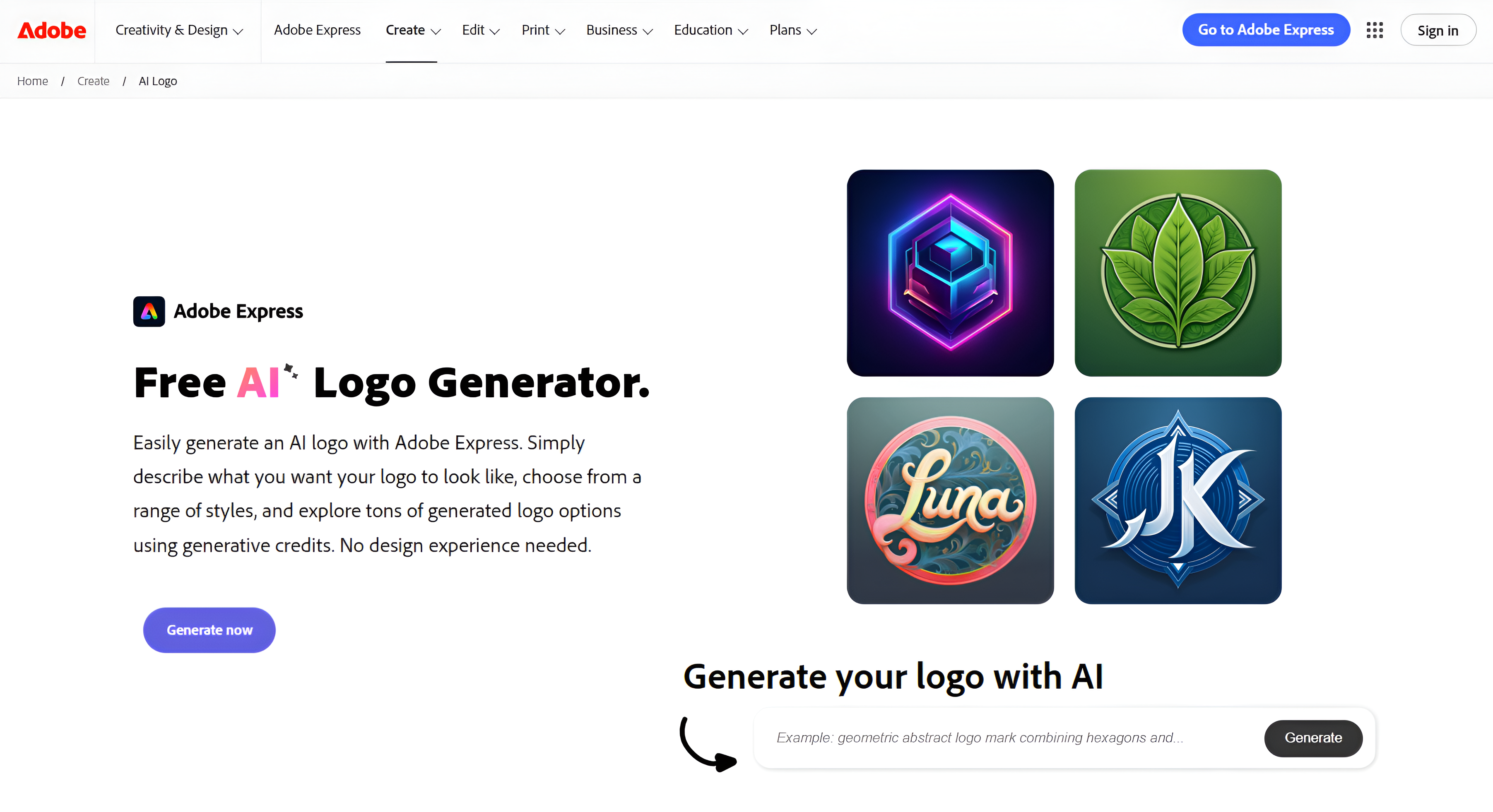
Choose Adobe Express if you are already on Adobe Creative Cloud, have some design familiarity, and want a faster path to logo creation inside the Adobe ecosystem.
Adobe Express sits between a beginner-friendly template tool and the professional power of Adobe Illustrator. You browse professionally designed templates, select a direction, and customize through a clean drag-and-drop interface. It is simpler than Illustrator but more structured than most free logo makers.
The free plan covers basic logo work. Premium unlocks SVG exports, licensed Adobe fonts, advanced branding tools, and greater storage. Users who already pay for Adobe Creative Cloud may find Premium access included in their plan.
Pricing
- Free: PNG and JPG downloads, basic templates, limited branding tools
- Premium: approximately $10/month — SVG exports, premium templates, licensed Adobe fonts, and brand automation tools
What to expect from Adobe Express templates
Adobe Express’ logo template library leans toward editorial-style layouts with strong typographic hierarchy, refined color combinations, and icon sets that feel considered rather than generic. You will find options across retail, professional services, food, and creative industries, with styles ranging from bold and modern to minimal and corporate.
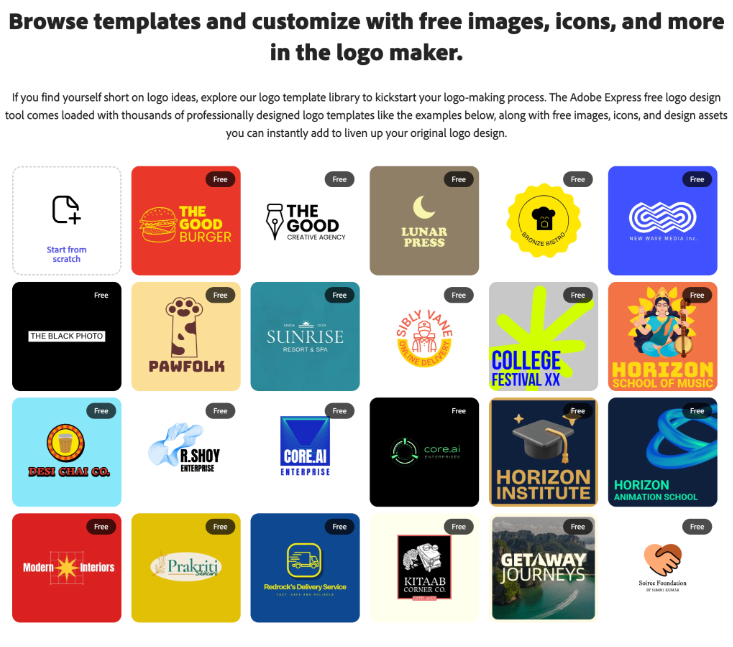
If typography and layout precision matter to you, the template quality here reflects that in ways most other logo makers do not.
The verdict
Adobe Express makes the most sense for someone already inside the Adobe ecosystem. Template quality is high, the interface is polished, and the brand tools are useful for ongoing design work. It is a step up from Canva in output quality and professional workflow integration.
Limitations
SVG exports are locked behind the paid plan, leaving anyone who needs vector files without a way to get them. The platform is template-driven rather than AI-generative, offering less variety than dedicated logo AI tools. Users with no design experience may find it less intuitive than beginner-first platforms. For more app-specific details, pricing context, screenshots, and App Store information, readers can also view Adobe Express on AppsHunter
Vistaprint — Best for Print-Ready Logo and Branding
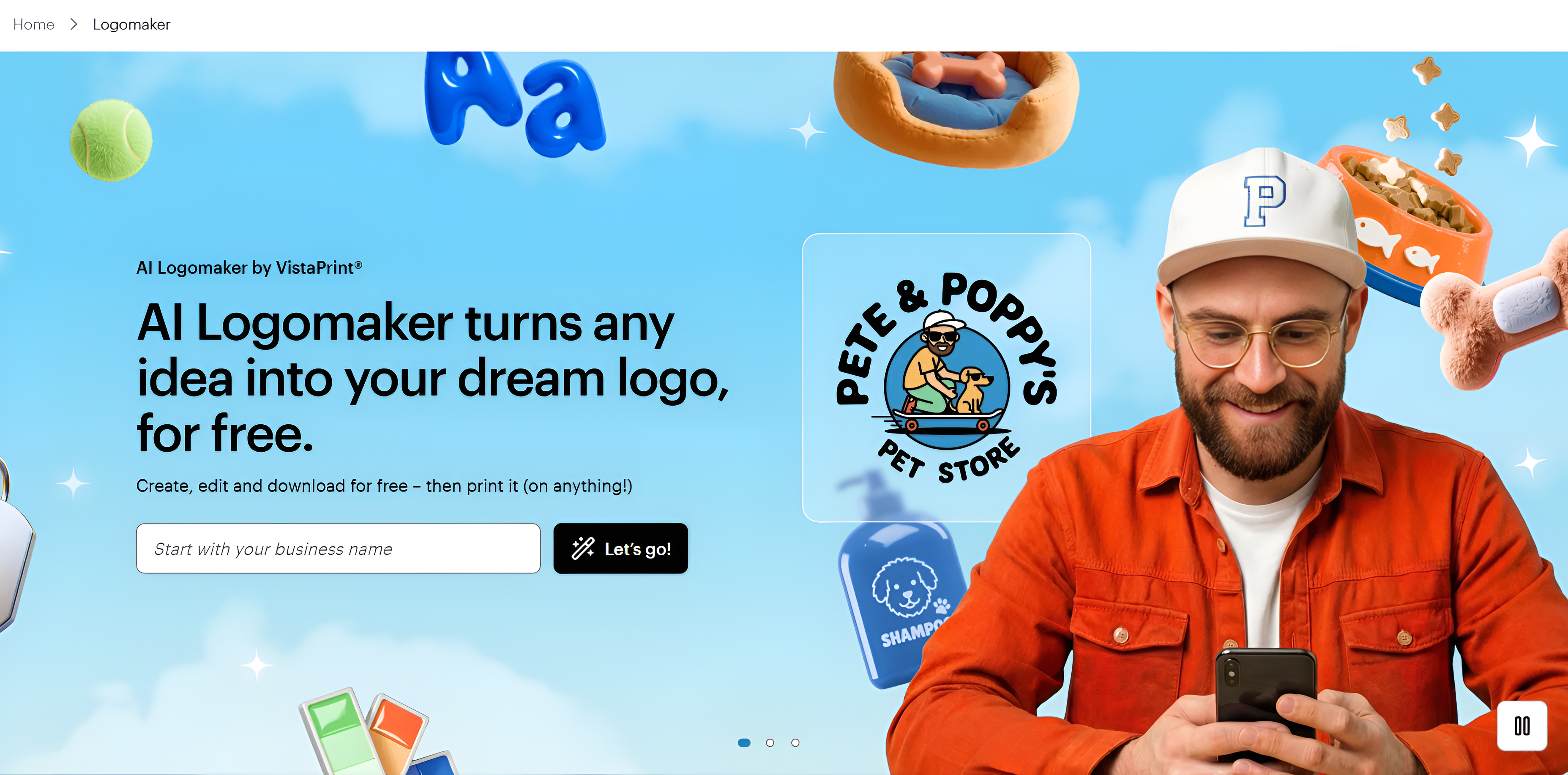
Choose Vistaprint if your primary goal after creating a logo is putting it on physical materials as quickly as possible.
Vistaprint’s AI-powered tool generates logo concepts based on your business name and input preferences, with output specifically optimized for print. Every logo you create is saved to your account and can be applied directly to any product in Vistaprint's catalog — business cards, banners, apparel, mugs, and signage — without uploading or reformatting files.
That direct path from logo creation to physical product order is what makes Vistaprint worth including here.
Pricing
- Basic download: free, with limited file options
- Premium download: approximately $20 as a one-time fee — vector and raster formats ready for print and digital use
- Optional designer support available from $5 for custom refinements
What to expect from Vistaprint logo templates
Vistaprint's template library is built around print performance rather than visual variety. The designs are clean, legible, and structured to reproduce accurately across different materials and sizes.
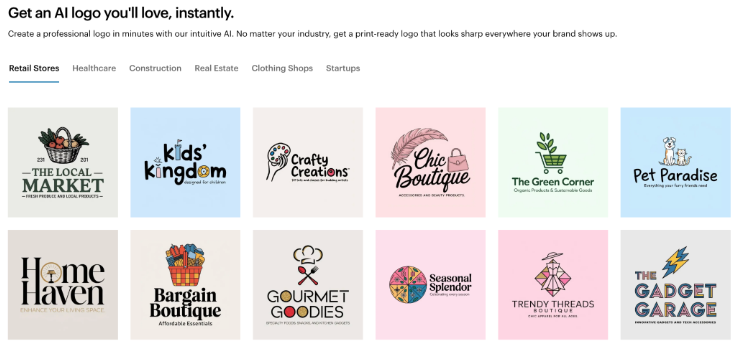
If you need something distinctive or unconventional, the library will feel limited. If you need something reliable that translates cleanly to print, it delivers.
The verdict
Vistaprint is the most focused tool on this list. It efficiently moves your logo onto physical products, and the integration with Vistaprint's fulfillment catalog eliminates several steps that other platforms require. For businesses already ordering print materials through Vistaprint, adding a logo through the same platform is straightforward.
Limitations
Vistaprint is not a full brand platform. There is no website builder, brand guidelines generator, or social media template suite. The logo library is smaller and less varied than dedicated platforms, and users who need a complete digital branding presence will need additional tools.
Which Logo Design App Should You Use?
Most businesses need more than a single image file. A logo that works on a website, scales to a billboard, fits a business card, and stays consistent across social media requires a tool built for that kind of range.
For most people reading this, Design.com is the place to start. At $3 per month on an annual plan, it delivers an AI logo generator, a full brand kit, and 618,000+ templates with tools that keep your branding consistent across every asset you create. If you want the largest library of designer-made templates, AI suggestions, and a matching branding suite, BrandCrowd is the other top choice at the same price.
Your logo is one of the first things people notice about your brand. Get it right from the start.
Read more on design here:
Hannah Suroy suroy brings clarity to complex topics across entertainment, business, and creative industries. She specializes in translating industry trends and innovations into engaging content that helps readers understand the creative process behind the work they love.
Written by DesignCrowd on Friday, June 26, 2026
DesignCrowd is an online marketplace providing logo, website, print and graphic design services by providing access to freelance graphic designers and design studios around the world.
